









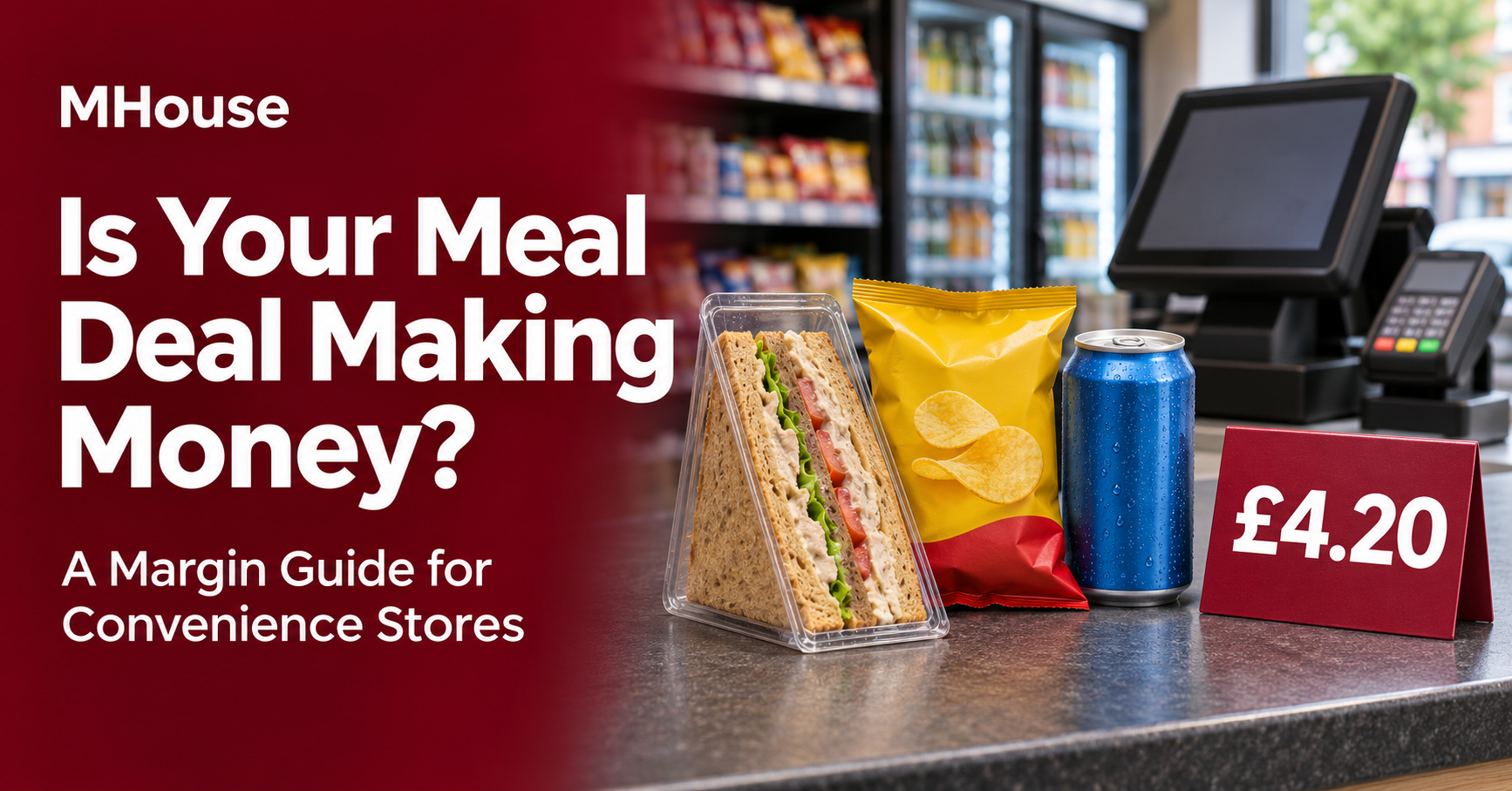
A customer pays £4.20 for a sandwich, crisps and a drink. The next customer pays the same price but picks a sandwich that costs you 45p more. The till records £4.20 for each sale, yet the two baskets leave you with different amounts of gross profit.
To find out whether your meal deal is making money, work out the profit on the combinations customers actually buy. Then look at what the offer did to lunchtime sales of the same products and how much stock went to waste.
How to calculate your meal deal profit margin
- Start with sales revenue per deal. If you’re VAT-registered, use the deal revenue after accounting for any VAT due.
- Add the cost of the items sold. Use what you paid per saleable unit and include any VAT you can’t reclaim. If you buy by the case, divide the case cost by the number of saleable units.
- Subtract the item cost from the revenue. This gives you gross profit per deal. Divide gross profit by revenue and multiply by 100 to get the gross margin percentage.
A meal deal can contain items with different VAT rates. If you sell each item separately as well, HMRC recommends allocating the deal price using the items’ individual selling prices. Use the VAT treatment that applies to your products and how you sell them. HMRC guidance on VAT apportionment.
Worked example of a £4.20 meal deal
Suppose a cold takeaway sandwich sells for £3.00, the crisps for £1.20 and the drink for £1.80. That’s £6.00 separately, so the £4.20 deal is 70% of the combined shelf price. In this example, the sandwich is zero-rated and the crisps and drink are standard-rated at 20%.
Applying the same 70% to each item allocates £2.10 to the sandwich and £2.10 to the crisps and drink together. The standard-rated portion includes 35p of VAT, leaving £3.85 in net sales revenue for the deal.
| Per deal | Standard sandwich | Higher-cost sandwich |
|---|---|---|
| Customer pays | £4.20 | £4.20 |
| Net sales revenue | £3.85 | £3.85 |
| Sandwich cost | £1.10 | £1.55 |
| Crisps cost | £0.32 | £0.32 |
| Drink cost | £0.43 | £0.43 |
| Total product cost | £1.85 | £2.30 |
| Gross profit per deal | £2.00 | £1.55 |
| Gross margin | 51.9% | 40.3% |
The two sandwiches in this example have the same standalone selling price and VAT treatment. Check what happens when you add an option with a different selling price or VAT rate, because the net deal revenue can change as well as the product cost.
Choose which products to include
Cost the cheapest, the most expensive and the most likely combinations before launch. Then set a minimum gross profit in pounds per deal that suits your shop. If a premium filling or drink takes a popular basket below that figure, consider moving it to a higher-priced deal or choosing a different product. Check whether the higher-cost option attracts enough extra sales to justify keeping it.
Keep the shelf signs and eligible barcodes in sync. If a wholesaler sends a new price-marked version of an included drink, scan it before it reaches the chiller. Confirm whether it belongs in the offer and whether the new case cost still works at your deal price.
Test the meal deal at the till before launch
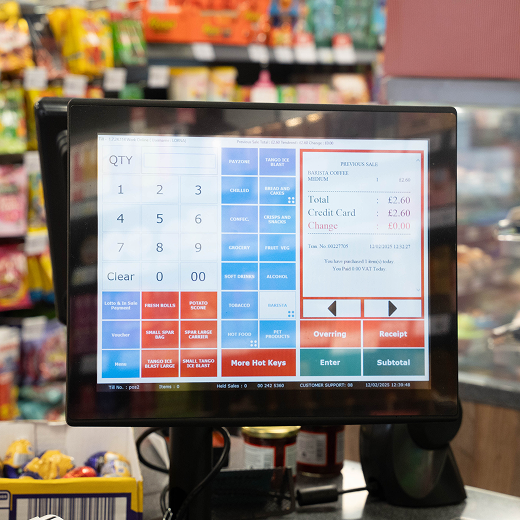
- Scan one eligible main, snack and drink in a test sale. Check the final price and receipt.
- Swap in an excluded item. Check that the deal only applies to the intended combinations.
- Scan two deals in one basket, then remove an item. Check that the discount recalculates correctly.
- If you also run a loyalty or other promotion, test how the offers interact. Check when the deal starts and ends on each till where it will run.
- Check how you’ll see the promotion’s sales and discounts in your reports. Confirm that stock moves against each item sold.
What to review after the first week
- Which combinations sold? Count deals by day and look at which mains, snacks and drinks customers chose most often.
- How much gross profit did they generate? Multiply the number sold of each combination by its gross profit. In the example above, 80 standard deals and 40 higher-cost deals produce £222 in gross profit before any separately recorded waste.
- What was written off? Record the cost of unsold stock you wrote off. If £18 of waste belongs to the range and is recorded separately, the example leaves £204 from deal sales after that waste. Check how your reports treat write-offs so you count them once.
- Did the offer improve the lunchtime category? Compare gross profit from eligible items sold both within deals and individually with the same trading hours and weekdays before launch. Use a consistent treatment for waste. Note stockouts, bank holidays or other changes that could affect the comparison.
If deal sales rise but the lunchtime category earns less, look at whether the offer mainly discounted products customers already bought together. If waste rises, try ordering fewer slow-selling sandwiches or replenishing the chiller in smaller batches. Make one change at a time so the next review tells you what helped.
Test your meal deal with MHouse
Bring your proposed deal price, three sample barcodes and the unit costs for a standard and a higher-cost combination. Ask us to show how you can set up and test the promotion in MPOS Retail and what sales and stock information you can review in MHouse Back Office.