









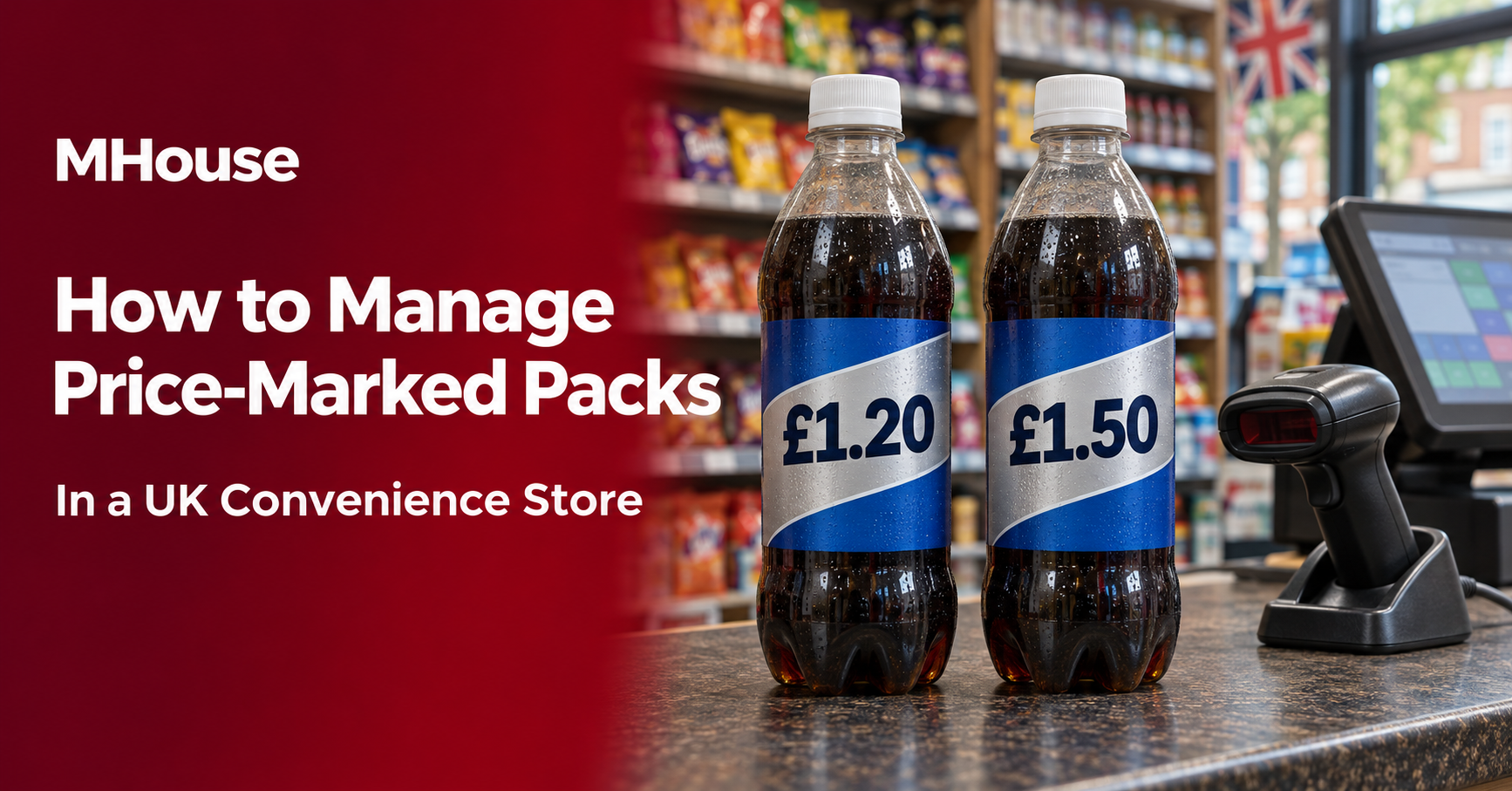
Your wholesaler delivers a case of soft drinks marked £1.50, but you still have £1.20 packs on the shelf. The products look almost identical. If you change the existing price in your EPOS system without checking both barcodes, the old packs could start scanning at the new price.
When a delivery arrives with a new price on the pack, scan both versions before stocking the shelf. Check how the till identifies each one, decide how to display the prices while both versions are on sale, and calculate what the new case cost leaves you in gross profit.
What is a price-marked pack?
A price-marked pack, often called a PMP, has a price printed on the packaging by the brand owner. You’ll see them on products such as crisps, confectionery and soft drinks. A supplier may also sell a plain-pack version of the same product. Check the size, barcode and cost of each version when deciding which one to order.
How to handle a change in the printed pack price
1. Check the individual pack at goods-in
Open one case and compare an individual pack with the version already on your shelf. Check the product name, size, printed price and barcode. The case barcode identifies the wholesale case. Use the barcode on the individual pack to check what the customer will be charged.
Under GS1’s standard, adding, changing or removing a price printed directly on the packaging requires the brand owner to assign a new Global Trade Item Number (GTIN). A removable price sticker is outside that specific rule. If the old and new packs carry the same barcode, or the new pack brings up an unexpected record, set the new stock aside and ask the wholesaler or brand owner to confirm the correct product details. GS1 GTIN Management Standard, section 2.10.
2. Keep the two prices identifiable in EPOS
If the packs have different GTINs and both will be on sale, keep separate till records while the two versions overlap. Give each a description staff can recognise, such as “Cola 500 ml PMP £1.20” and “Cola 500 ml PMP £1.50”. Record the correct case quantity and cost against each version. Scan both packs after importing a wholesaler file, especially if the file can update prices or promotions.
If the same barcode brings up one price for both versions, changing the price on that record changes what both packs scan at. Keep the new stock off sale while you resolve the barcode or pricing discrepancy. If you plan to sell through the old version first, count the remaining packs on the shelf and in the stockroom before making the switch.
3. Make the shelf display clear
If both versions are on sale, give each its own clearly labelled facing. Check that the label beside each pack and the price at the till reflect what the customer will pay. Check secondary displays, such as the chiller and the till queue, as well as the main shelf. If you sell the product through a delivery platform, verify the listing price and which pack staff will pick.
Selling prices should be clear and accurate. In Great Britain, government guidance explains how to show the selling price and when a unit price also applies. Northern Ireland has its own price marking rules. Great Britain price marking guidance and Northern Ireland retail pricing guidance.
4. Test the price and any promotion at the till
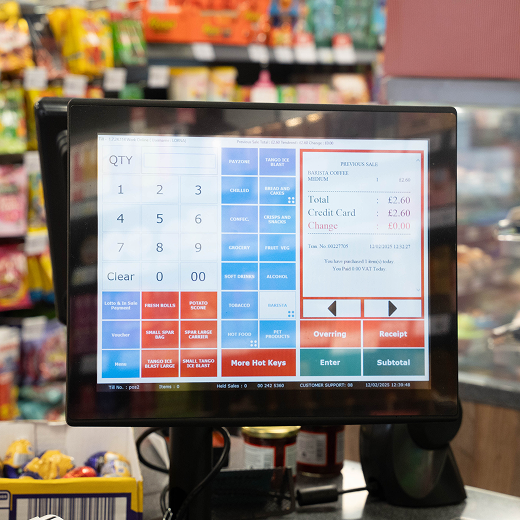
Scan one of each pack on a test till and check the price on screen. If either pack is part of a meal deal or multibuy, test both in a sample basket. A promotion attached to the old barcode may need to be updated for the new one. If staff find a mismatch during trading, have a supervisor verify the price shown to the customer and correct the underlying till record or shelf display before the next sale.
Check your margin before reordering
A higher price on the pack can still leave you with less gross profit if the wholesale cost has risen. Compare the cost per saleable unit, using the actual number of units in the case. When comparing figures excluding VAT, use the same basis for selling price and cost.
| Per pack | Old version | New version |
|---|---|---|
| Printed selling price | £1.20 | £1.50 |
| Selling price excluding VAT | £1.00 | £1.25 |
| Unit cost excluding VAT | £0.68 | £0.94 |
| Gross profit per pack | £0.32 | £0.31 |
| Gross margin | 32.0% | 24.8% |
This example assumes VAT at 20% for the calculation. Subtract unit cost from the selling price excluding VAT to get gross profit per pack. Divide that profit by the selling price excluding VAT to get gross margin. Here, the shelf price rises by 30p, but the shop makes 1p less gross profit per pack. Check how quickly each version sells and whether a plain-pack alternative would suit your customers before placing the next order.
Frequently asked questions
Can I charge more than the price printed on a pack?
Use the printed price as your default when buying and setting up stock. A higher till price alongside a lower price visible on the pack can mislead customers. If you’re considering a different selling price, ask your local Trading Standards service how to present it clearly before putting the stock on sale. CMA guidance on clear and accurate prices.
Can I sell a price-marked pack for less?
You can offer a lower selling price. Make the price customers will pay clear at the shelf and check that the till applies it. If you advertise a saving against the printed price, check the rules on price comparisons before making that claim. Trading Standards guidance on pricing practices.
What should I do with the old till record after the packs sell out?
Check the shelf and stockroom, clear any old shelf labels and review open orders. Once you’ve confirmed the old version is finished, remove it from active reordering where your system allows and keep its sales history for reporting. Check that the new version has the right price and promotion before the next delivery.
Test your price-marked packs with MHouse
Bring an old pack, a new pack and a sample wholesaler delivery note to your demo. Ask us to walk through the till scan, the price change and the stock records in MPOS Retail. If you update prices from the shop floor or use electronic shelf labels, explore MPOS Handheld and MPOS Electronic Shelf Edge Labels.